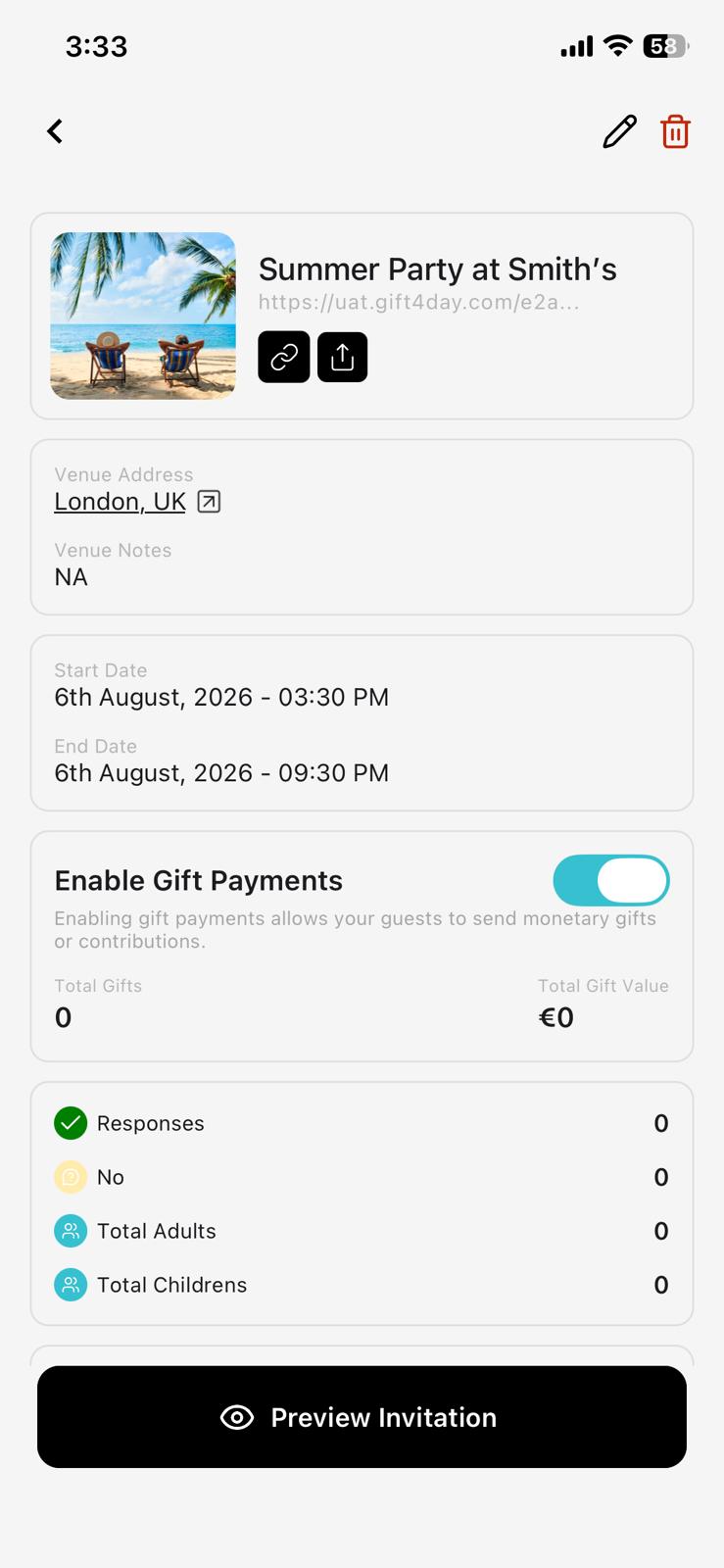
Simplifying GiftingAmplifying Joy.

Plan, invite, & collect gift money. Simplified gifting for
guests, joyful spending for hosts!

+Create Invitation


Get it on Google PlayDownload on the App Store
Event Preview 1
Event Preview 2
Event Preview 3
Event Preview 4
Event Preview 5
Event Preview 6
Event Preview 7
Event Preview 8

How It Works

Plan, invite, & collect gift money. Simplified gifting for guests, joyful spending for hosts!
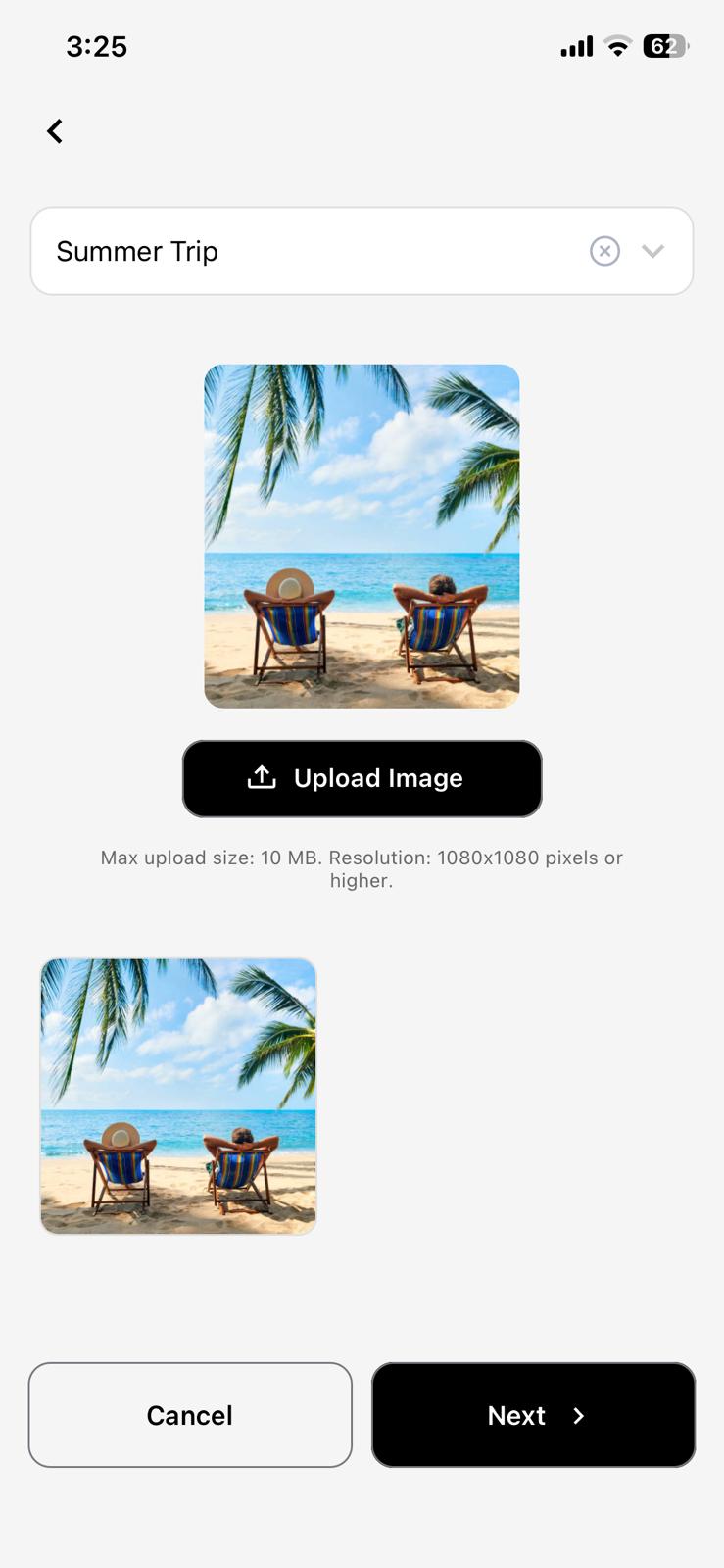
01/ 08

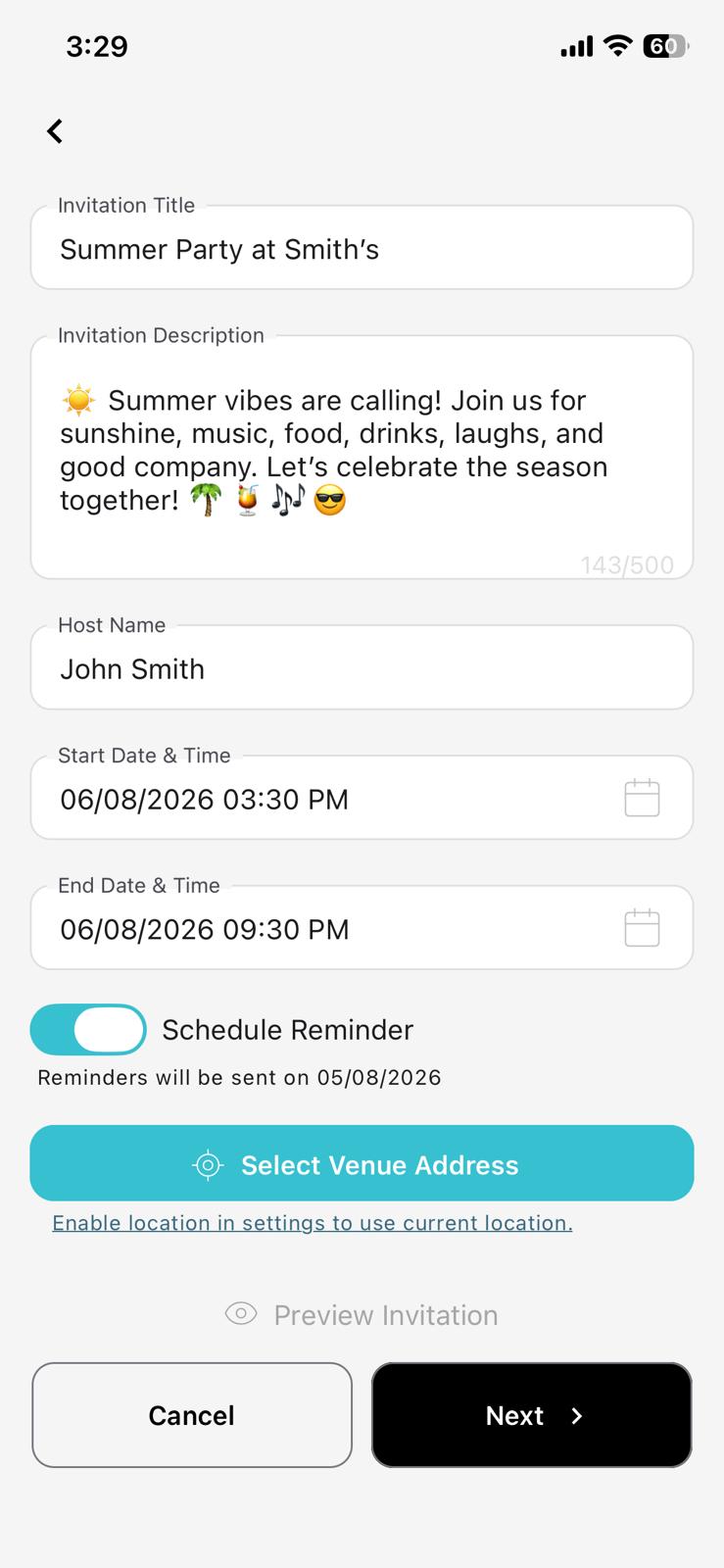
Event Creation

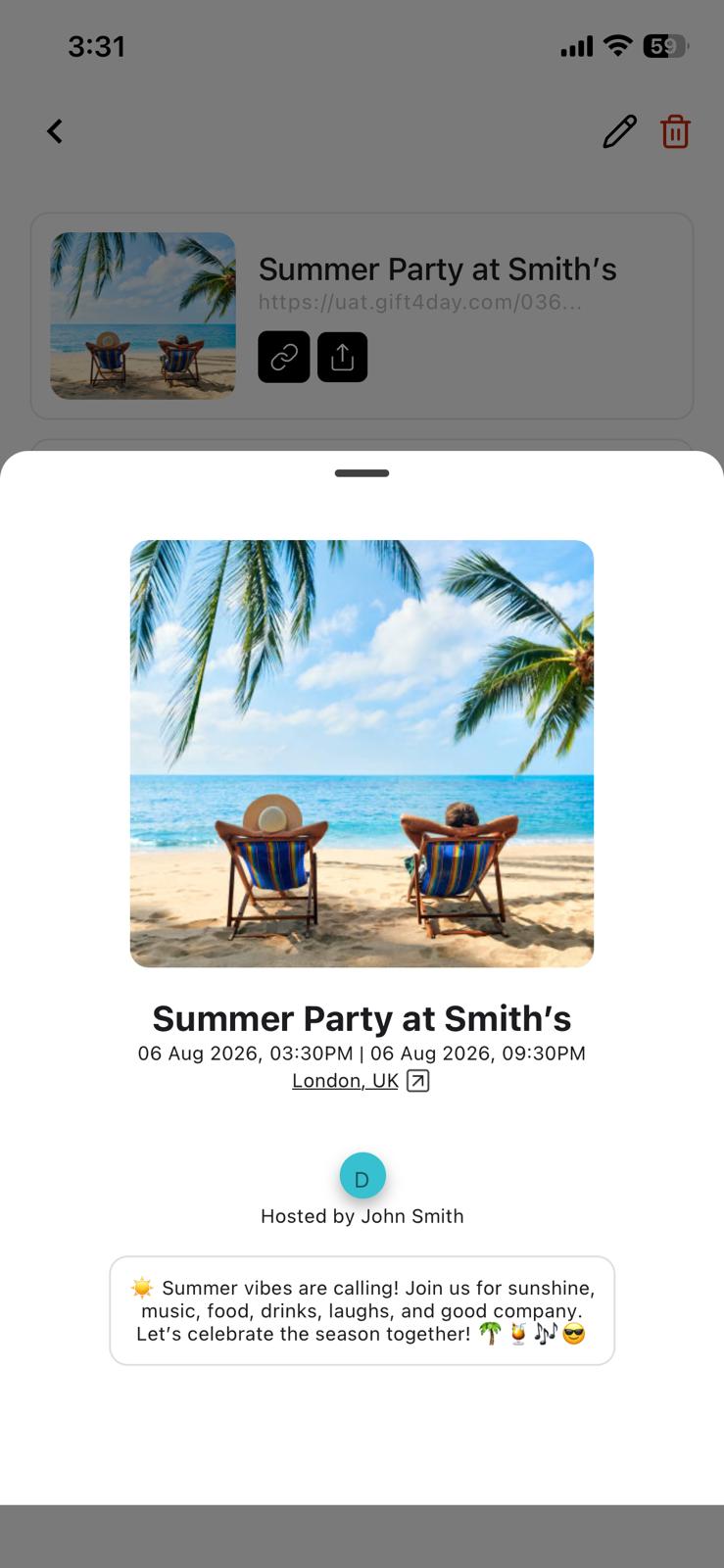
Name your event and upload a cover image — birthdays, weddings, anything worth celebrating.

Scroll to explore ↓

Simplifying Gifting Amplifying Joy.

Plan, invite, & collect gift money. Simplified gifting for guests, joyful spending for hosts!
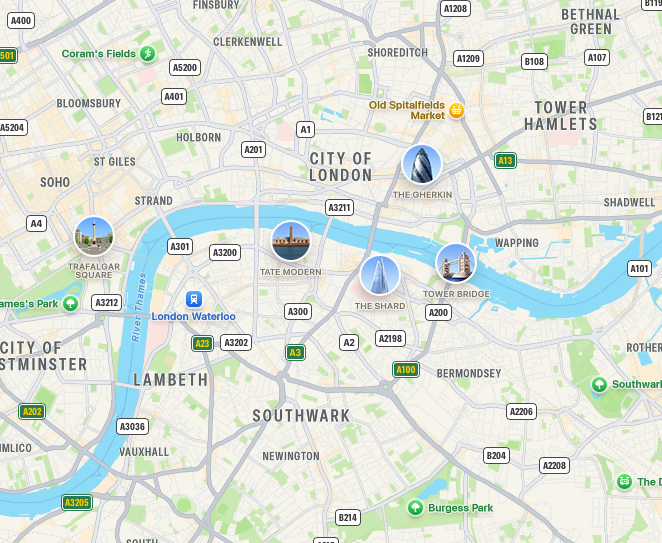
Event Location Map
Lock

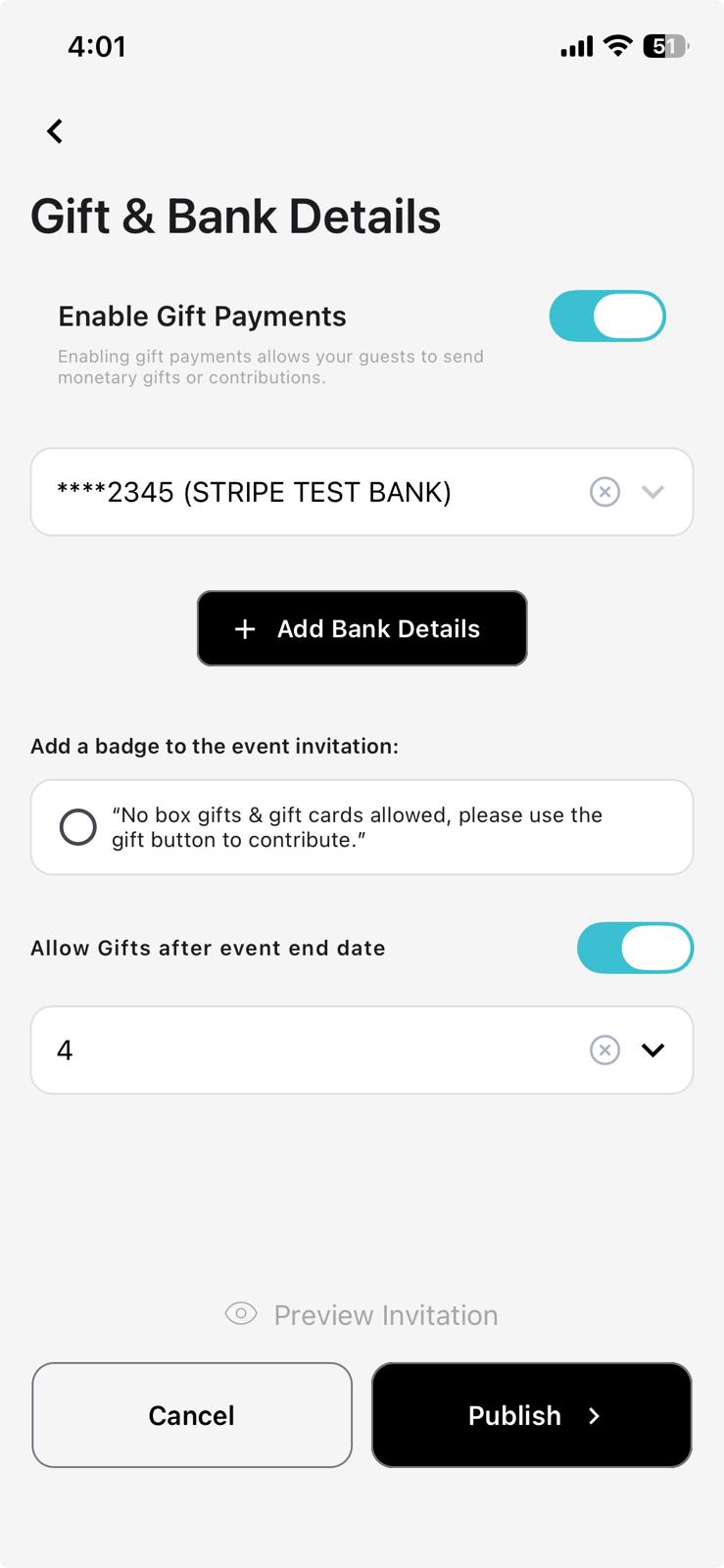
Collect Monetary Gifts

Enable Gift
Total Gifts10
Total Gift Value£450
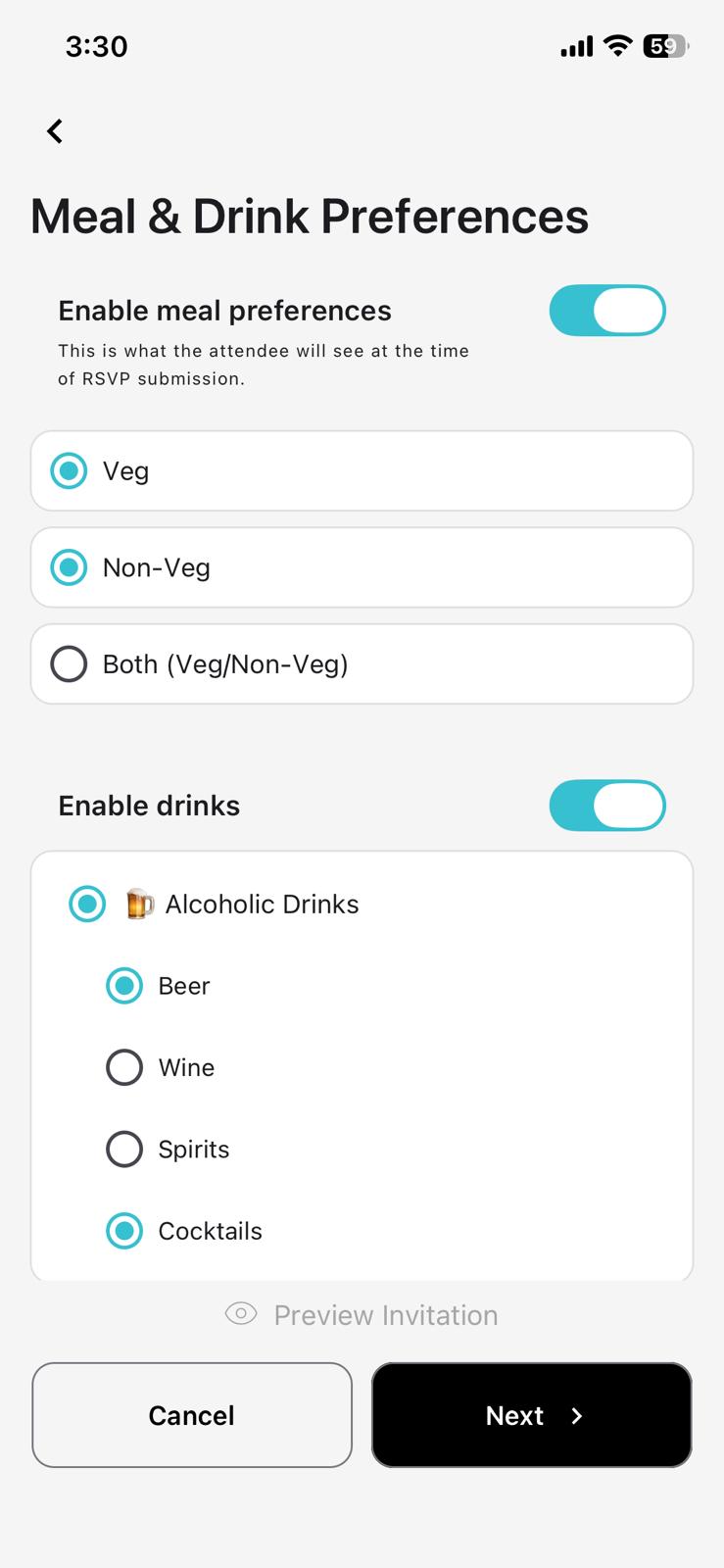
VegVeg
Non-VegNon-Veg
Soft DrinkSoft Drinks
Alcoholic DrinkAlcoholic Drinks
Hot DrinkHot Drinks

Record Guest Responses

Bar Chart Dashboard To Manage All Your Events

Gifts Received
01 Jul 2026 – 31 Jul 2026
Your Total Contribution£450.00Jan 01, 2025 - Dec 31, 2025
Total Gift's Received£450.00Jan 01, 2025 - Dec 31, 2025
Wedding Invitation
RSVP options

User Testimonials

Arrow Down

Real stories from hosts and guests who plan, invite, and gift with Gift4Day.

4.5/5
Trustpilot

Used Gift4Day for our wedding. Guests could RSVP and send gifts in one place without any hassle.

Laura Campbell
Laura CampbellLondon, UK

Perfect for my daughter's birthday. Invites, RSVPs, and gifts were all handled in one app.

James O'Brien
James O'BrienManchester, UK

Very easy as a guest. Open the link, RSVP, and send a gift in minutes.

Priya Sharma
Priya SharmaBirmingham, UK

Organised a baby shower with Gift4Day. Clear dashboard and stress-free gifting throughout.

Sophie Turner
Sophie TurnerBristol, UK

Set up our office farewell fund in minutes. Secure payments and no chasing colleagues.

Michael Adeyemi
Michael AdeyemiLeeds, UK

Ran a charity event on Gift4Day. Professional invitations and smooth gift collection.

Emma Walsh
Emma WalshEdinburgh, UK

FAQs?

Subtext for FAQs Subtext for FAQs Subtext for FAQs

How do I create, edit, or delete my invitation?

Creating an invitation is quick and easy! Simply select an invitation template, customize it with your preferred design, and add invitation details like title, date, time, venue, and description. Then, sign up or sign in to save and create your invitation. To edit or delete an invitation later, simply reopen it from the dashboard and make the required changes or remove it permanently. Guests will automatically receive updates if edits are made after invites have been sent.

How long is my invitation active?

User has to set a start and end date time when creating an invitation and the invitation will be active until the end date and time of the invitation.

How do I invite friends or family for my invitation?

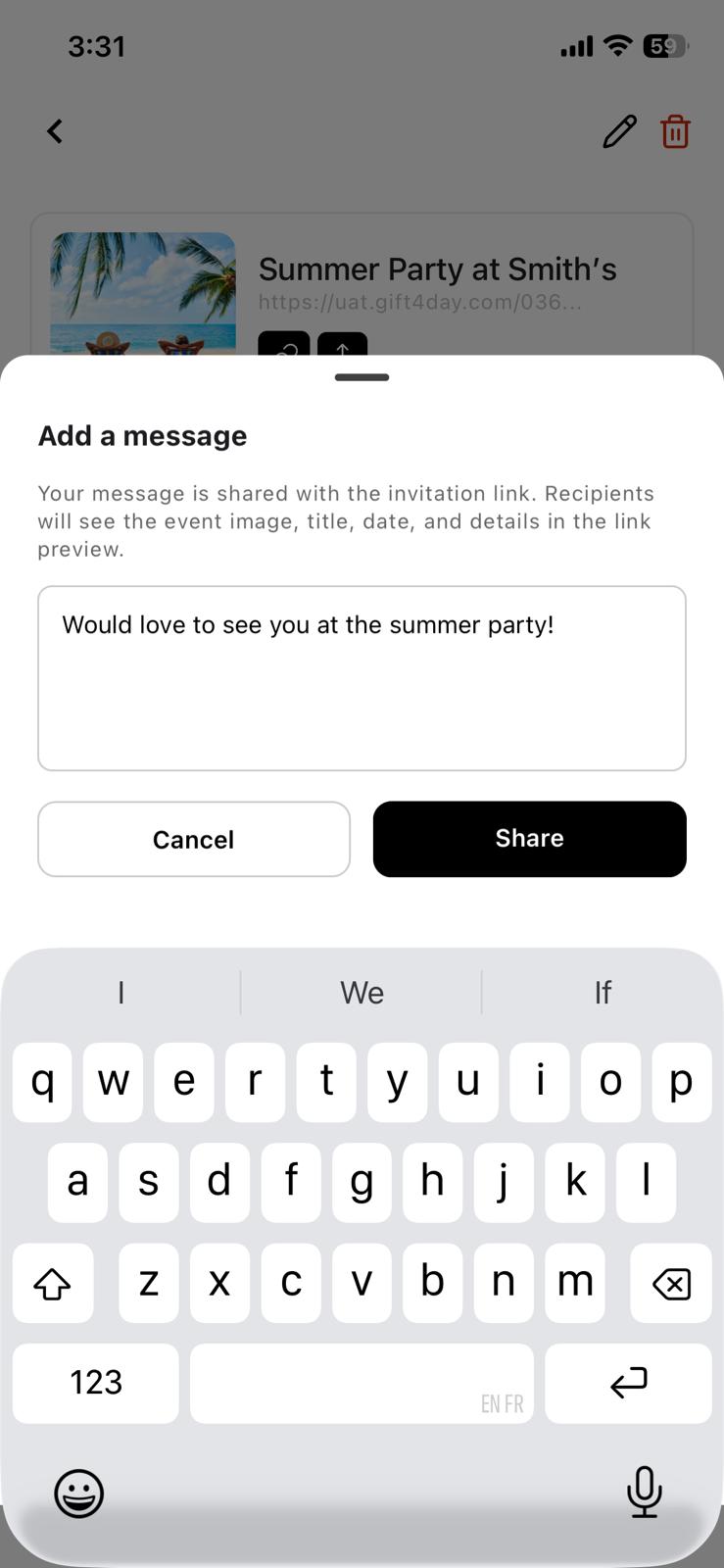
An automated link will be generated which you can share to invite friends and family.

Is there a limit on how many invitations I can create?

You can create as many invitations with your profile as you want.

Is there a maximum amount limit to collect for an invitation?

Yes, there is a maximum collection limit based on local regulations and payment provider policies. The limit will be displayed when setting up your invitation. If you need to raise a higher amount, you can create multiple invitations or contact our support team for assistance.

My payment or transfer was declined. What should I do?

Please check all your relevant details are correct and with your bank and the type of card you are using.

Can I make overseas gifts?

Yes you can make overseas gifts.

Can invitees see how much I’ve gifted?

Due to the reasons of privacy and anonymity, the other invitees cant see how much if he or she has gifted.

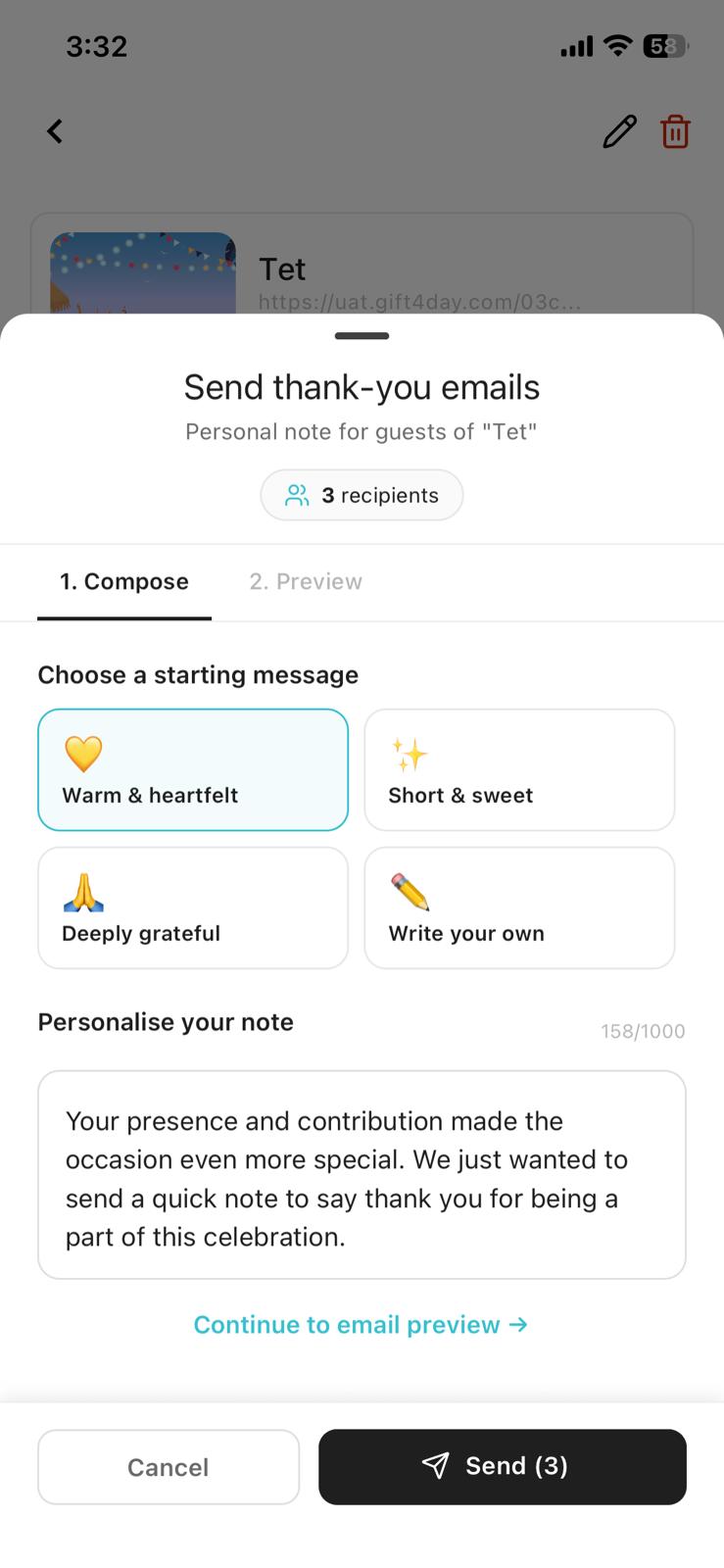
Do I get email notifications?

Yes, you will receive email notifications for important updates, including when guests RSVP, contribute gifts, or leave messages. Additionally, automated reminder emails are sent to guests two days before the invitation to ensure they don’t miss it.

How do I track attendees and send reminders?

Within the invitation users can see the attendees and reminders can be set up or be edited as required within the invitation

Is there a way to report suspicious activity on the website?

If you encounter any suspicious activity on the Gift4Day website, we encourage users to take immediate action to protect their personal information and online security. While there may not be a direct reporting feature on the site, you can follow these steps: 1 - Document the Suspicious Activity - Take screenshots of the suspicious content or URL / Link involved. 2 - Contact Gift4Day Support - Use the contact details provided on the website, such as the support email. - Clearly describe the suspicious activity and attach any relevant screenshots or information. 3 - Secure Your Account - Change your password immediately. 4 - Report to Authorities - If you believe you have been a victim of fraud, report it to local law enforcement and online fraud reporting centres. 5 - Alert Your Network - Inform friends or contacts of potential fraudulent activities to protect them from similar threats. Remember, your vigilance and prompt action can help maintain a safe and secure online environment for everyone.